Clear traffic accident sketches, in minutes
Draw a traffic sketch online in minutes: clear diagrams of collisions and roadway scenes. Built for drivers and anyone who needs a clean diagram for a report or claim.
Everything you need to document the scene
A tool focused on clarity, with no distractions. Every element is designed to make the scene easy to read.
Intersection templates
Four-way crossings, roundabouts and highway exits ready to use.
Vehicles and elements
Place cars, motorcycles, trucks, traffic lights, signs and pedestrians on the canvas, then move and rotate them.
Measurements
Draw measurement lines that show their length in meters or feet, using the scale you set.
Exportable report
Export the sketch as PNG or PDF with case data, date and reference.
Diagrams made with My Traffic Sketch
Diagrams drawn with this site's own editor, with fictional plates and positions. Each description states only what the drawing shows.
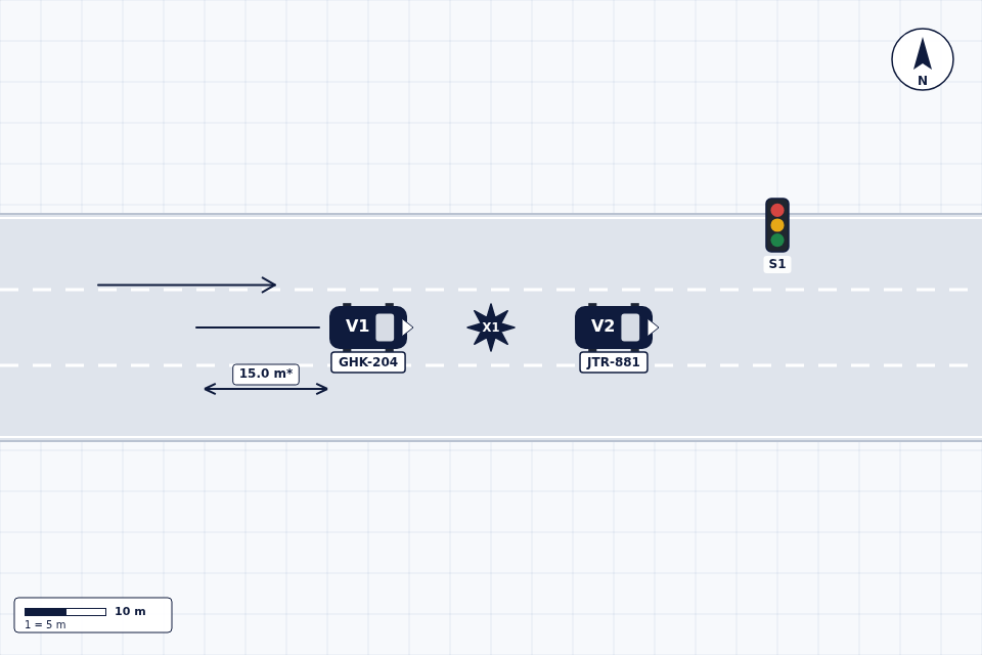 Rear-end collision at the back of a line of stopped cars
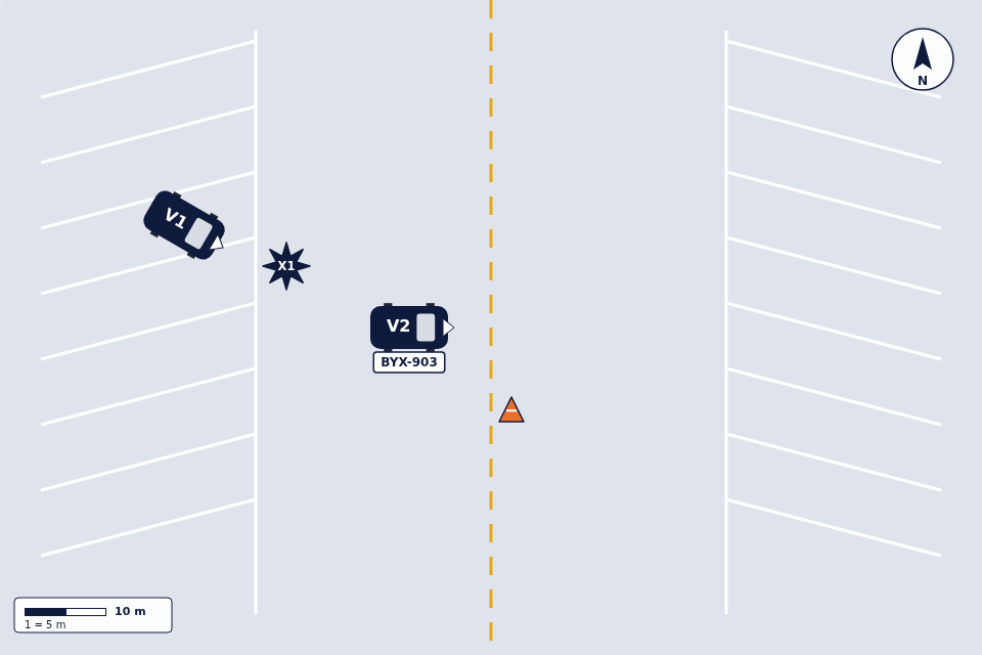 Backing out of an angled parking stall: contact with a truck in the aisle
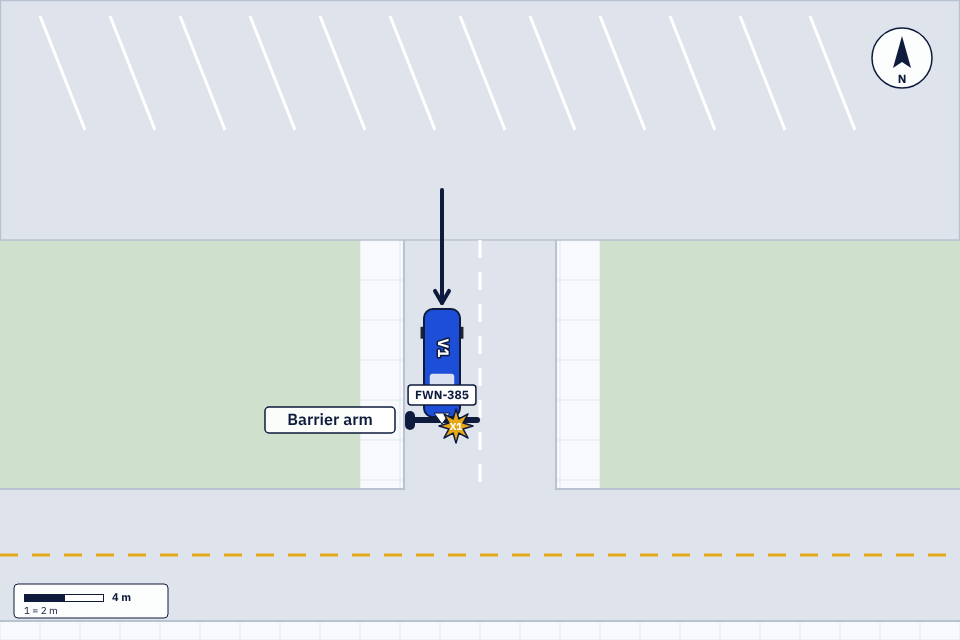 Single-vehicle collision with a barrier arm at a lot exit
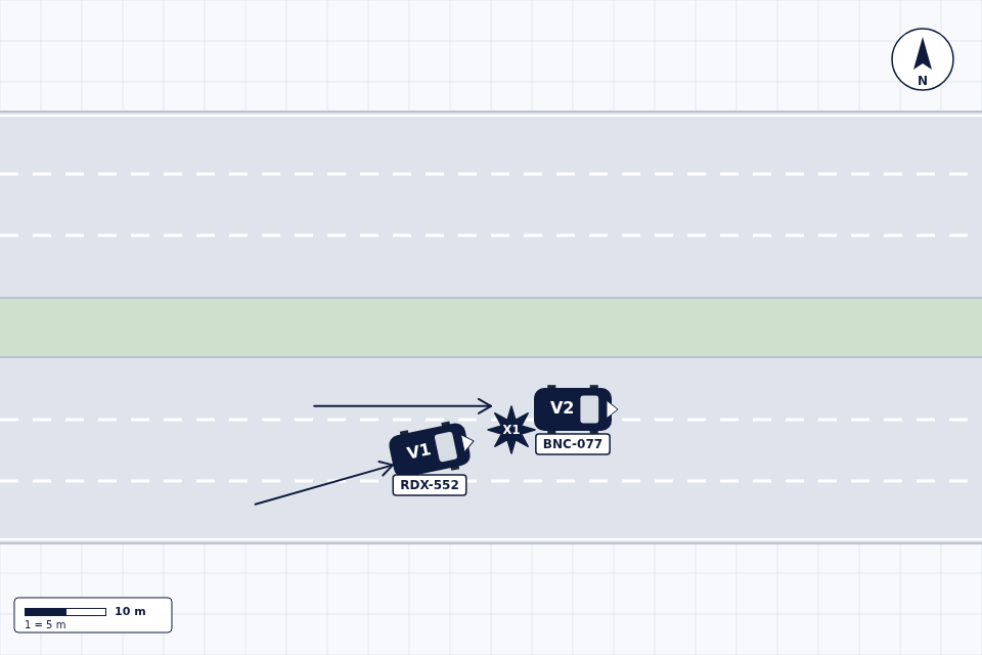
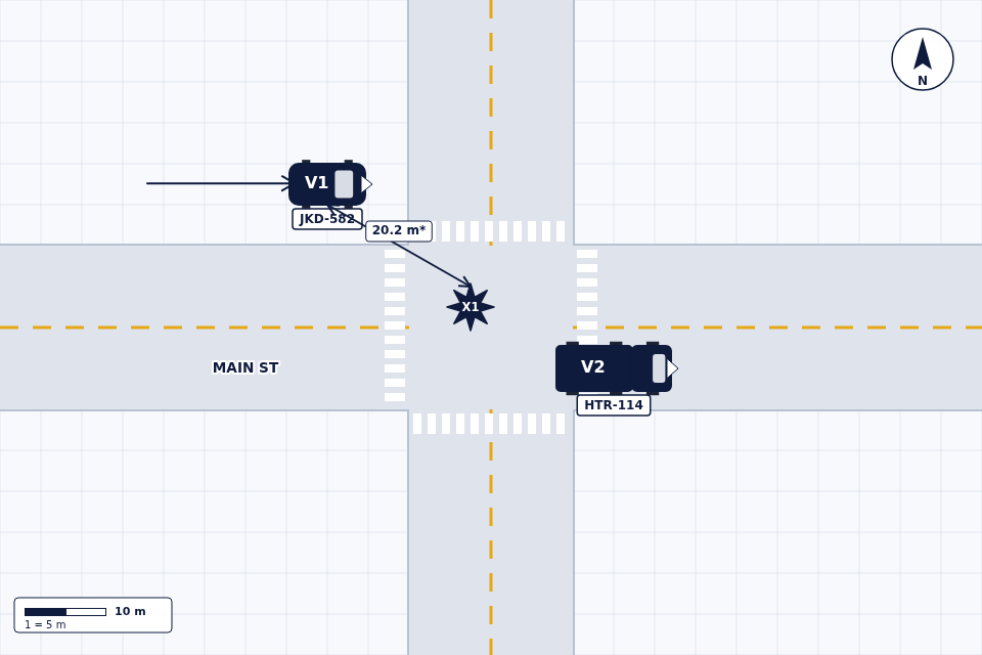 Right-angle collision at a four-way intersection
What is My Traffic Sketch?
My Traffic Sketch is a free traffic accident diagram maker that runs in the browser, on desktop and on phones. You lay out the road with templates or freehand tools, place vehicles with their plates and descriptions, mark travel paths, the point of impact and measurements, and export a one-page PDF report.
It is built for drivers and anyone who needs a clean diagram for a report or claim. No account is required and your draft is saved locally on your device.
Diagram guides and examples
Learn to draw a clear diagram with our step-by-step guides and worked examples.
- How to draw a traffic accident diagram, step by step
- Draw over a photo of the real location: tracing a scene image
- How to measure an accident scene for your diagram
Traffic sketch: frequently asked questions
- What is a traffic sketch?
- A traffic sketch is a top-down drawing of a road incident: the roads, the vehicles involved, their direction of travel, the point of impact and the key measurements.
- How do I draw a traffic sketch online?
- Open the free sketch tool, pick a roadway template or build the road layout, place the vehicles, add arrows for the direction of travel, mark the point of impact and note the measurements. When you finish, export the sketch as a PNG image or a PDF report.
- Is a traffic sketch useful for an insurance claim or police report?
- A clear diagram helps adjusters and officers understand the scene, and some claim forms ask for one. A sketch made here is illustrative: measurements are not forensic and must be verified independently, as the exported report states.
- How much does My Traffic Sketch cost?
- Nothing. The tool is free, runs in your browser and requires no account. Your sketch stays on your device, and nothing is uploaded to a server.
Free traffic collision sketch maker
Create an illustrative traffic sketch in your browser without registering. Your draft remains on your device and can be exported when ready.
Open the sketch tool